

what is a web3 wallet, what is web3 wallet, types of web3 wallets, how do web3 wallets work
How Do Web3 Wallets Work?

How Do Web3 Wallets Work?
Web3 wallets are the tools that let users interact directly with blockchains, decentralized applications (dApps), and smart contracts without relying on a centralized intermediary. If Web2 is built around accounts and passwords, Web3 is built around wallets and cryptographic keys.
Understanding how Web3 wallets work is essential if you want to use DeFi, trade NFTs, or participate in decentralized networks safely and confidently.
For many users, this is also where crypto starts to feel overwhelming. Web3 wallets unlock powerful functionality, but they ask people to understand signing, permissions, and smart contracts much earlier than traditional apps ever would.
What Is a Web3 Wallet?
A Web3 wallet is a non-custodial or custodial digital wallet that allows users to store cryptographic keys and interact directly with blockchain-based applications. Unlike exchange wallets, Web3 wallets are designed to connect to dApps, sign transactions, and manage on-chain identity.
At a high level, a Web3 wallet acts as:
A key manager (stores private keys)
A transaction signer
A bridge between users and blockchains
How Web3 Wallets Are Different From Traditional Crypto Wallets
While all Web3 wallets are crypto wallets, not all crypto wallets are Web3 wallets.
Key differences include:
Direct dApp interaction (DeFi, NFTs, DAOs)
On-chain identity tied to the wallet address
Message signing for authentication instead of usernames and passwords
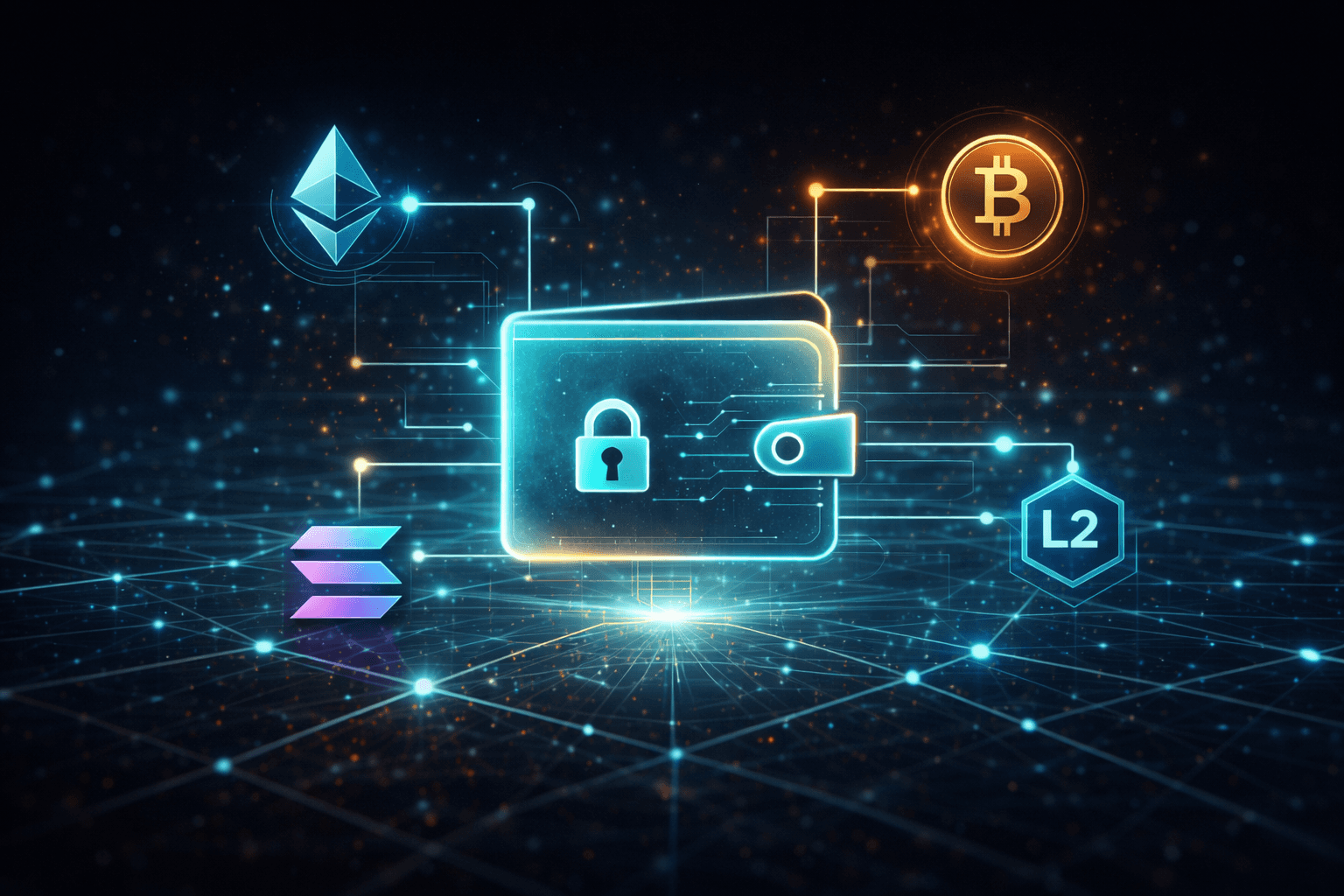
Multi-network support for Ethereum, Layer 2s, and other smart contract chains
Traditional crypto wallets are often focused on storage and transfers, while Web3 wallets are built for active on-chain participation.
How Web3 Wallets Work
At the technical level, Web3 wallets operate by managing cryptographic keys and using them to authorize actions on blockchain networks.
Creating and Managing Private Keys
When you create a Web3 wallet:
A private key is generated locally on your device
A seed phrase (recovery phrase) is created as a human-readable backup
The private key is never shared with the blockchain
The wallet software securely stores the private key and uses it whenever you approve an action. Whoever controls the private key controls the wallet.
Connecting to Blockchain Networks
Web3 wallets connect to blockchain networks through nodes or RPC providers.
This connection allows the wallet to:
Read blockchain data (balances, NFTs, transaction history)
Broadcast signed transactions
Switch between networks (e.g., Ethereum mainnet, testnets, Layer 2s)
The wallet itself does not “hold” crypto. It simply reflects what the blockchain records for your address.
Signing Transactions and Messages
When you perform an action:
Sending tokens
Swapping assets
Minting an NFT
Logging into a dApp
Your wallet creates a transaction or message and asks you to sign it.
Signing:
Proves ownership of the wallet
Authorizes the action
Does not expose your private key
This approval step is what makes Web3 wallets secure, and also why reviewing prompts carefully matters.
Interacting With Smart Contracts and dApps
Web3 wallets enable interaction with smart contracts by:
Sending signed transactions to contract addresses
Approving token allowances
Executing contract functions (swaps, staking, governance votes)
From the user’s perspective, this looks like clicking “Confirm” in a wallet popup. Behind the scenes, the wallet is authorizing code execution on the blockchain.
Types of Web3 Wallets
Web3 wallets come in several forms, each optimized for different use cases.
Browser-Based Web3 Wallets
Browser wallets run as extensions or built-in browser tools.
Most common for DeFi and NFTs Easy dApp connectivity
Higher phishing risk if users aren’t careful
Best for frequent on-chain activity.
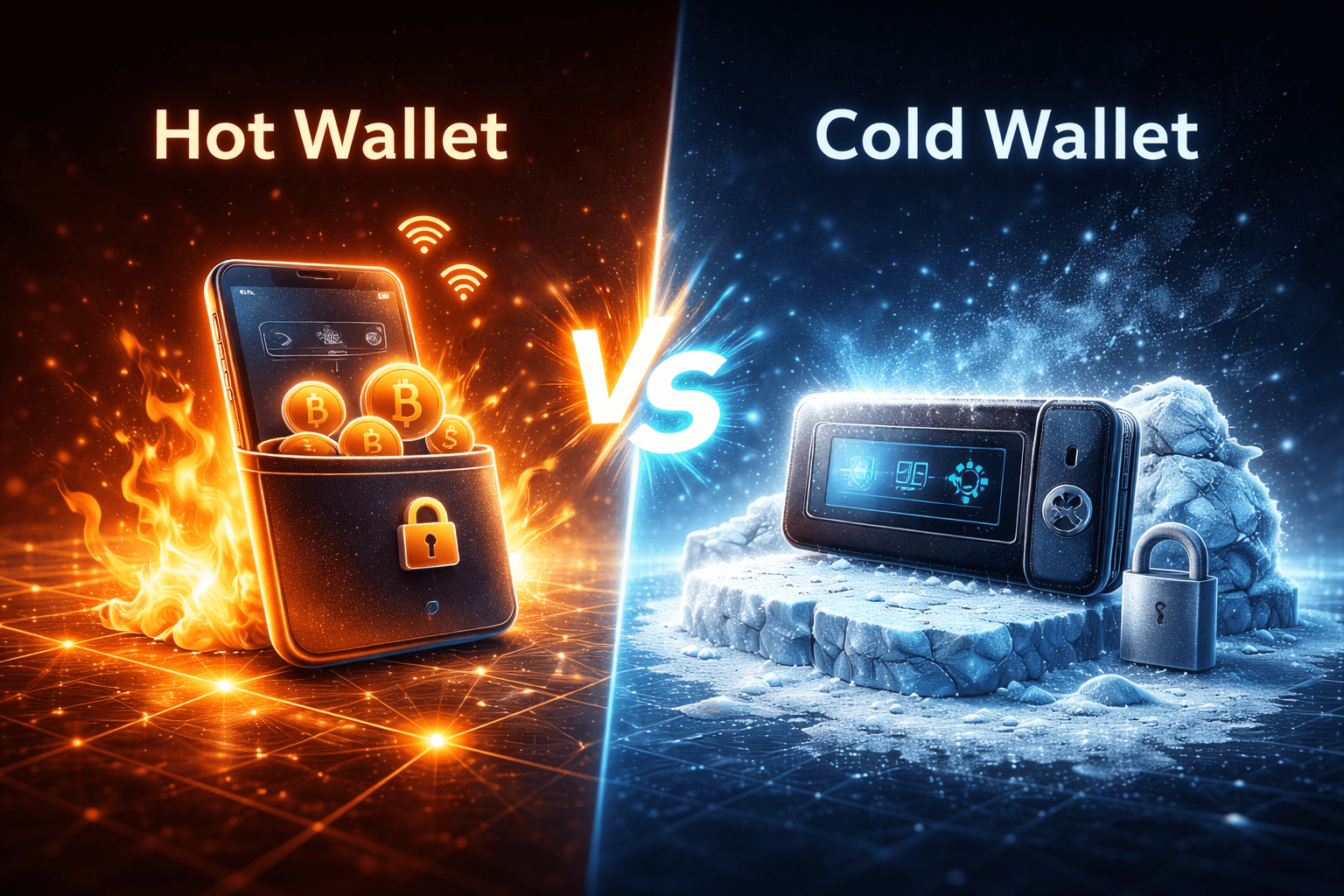
Mobile Web3 Wallets
Mobile wallets are smartphone apps with Web3 functionality.
Portable and convenient
Often support QR-based connections
Depend on mobile device security
Good for everyday use and quick interactions.
Hardware Web3 Wallets
Hardware wallets store private keys offline while still supporting Web3 interactions.
Keys never touch the internet
Transactions must be physically approved
Slightly less convenient
Best option for securing large balances while using dApps safely.
Smart Contract Wallets
Smart contract wallets use on-chain contracts instead of traditional private key accounts.
Features may include:
Social recovery
Multi-signature approvals
Gas fee sponsorship
Session-based permissions
These wallets aim to improve usability and security but rely more heavily on smart contract code.
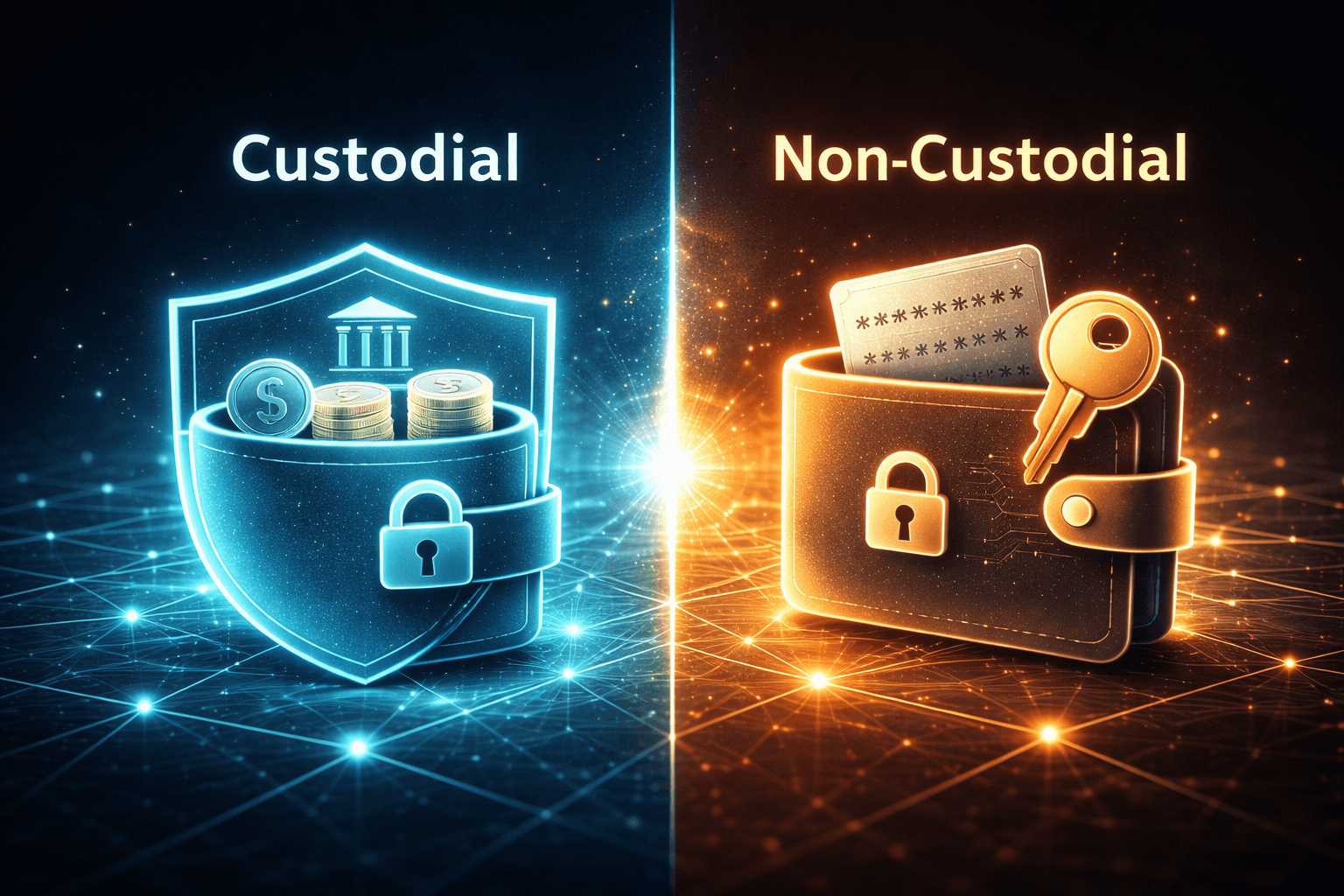
Custodial vs. Non-Custodial Web3 Wallets
Non-custodial Web3 wallets
Users control their private keys and assets directly.
More secure and private
Requires personal responsibility
Custodial Web3 wallets
A provider manages keys on the user’s behalf.
Easier onboarding
Less control and higher trust requirements
Most Web3-native users prefer non-custodial wallets to maintain full ownership.
How to Set Up and Use a Web3 Wallet
Setting Up a Web3 Wallet
Typical setup steps include:
Install the wallet app or extension
Create a new wallet
Securely write down the recovery phrase
Set a PIN or password
Select the desired blockchain network
Skipping or mishandling the recovery phrase is one of the most common mistakes new users make.
Connecting a Web3 Wallet to a dApp
To connect a wallet:
Visit a compatible dApp
Click “Connect Wallet”
Approve the connection request
Review permissions carefully
Connection methods include browser injection and QR-based protocols like WalletConnect.
Web3 Wallet Security Considerations
Security is one of the most important aspects of using Web3 wallets.
Protecting Your Private Keys
To keep keys safe:
Store recovery phrases offline
Never share keys or phrases
Use hardware wallets for large holdings
Avoid storing keys in cloud services
Once keys are lost or stolen, funds are usually unrecoverable.
Common Web3 Wallet Risks
Major risks include:
Phishing websites and fake dApps
Malicious transaction approvals
Fake wallet extensions
Blind signing without reviewing details
Most attacks target users, not the wallet software itself.
Best Practices for Safe Web3 Wallet Use
Verify URLs before connecting
Review transaction details carefully
Limit token approvals and revoke unused ones
Keep software updated
Separate wallets for storage and daily use
Good habits significantly reduce risk.
Pros and Cons of Web3 Wallets
Pros
Full control over assets
Permissionless access to DeFi and NFTs
No centralized account required
Global and censorship-resistant
Cons
User is responsible for security
Steeper learning curve
Irreversible mistakes
Exposure to scams if careless
The Future of Web3 Wallets
Web3 wallets are evolving rapidly.
Key trends include:
Account abstraction for better UX
Built-in recovery options
Improved permission management
Wallets as digital identity hubs
As usability improves, Web3 wallets are likely to become the default interface for the internet of value.
Bottom line:
Web3 wallets work by giving users direct control over cryptographic keys and enabling secure interaction with blockchains and smart contracts. Once you understand how they function and how to use them safely, they unlock the full potential of decentralized technology.

Get updates in your inbox
Get exclusive insights, actionable strategies, and ideas delivered straight to your inbox.